
Local SEO · Guide
Local SEO checklist for small businesses
Local SEO helps nearby customers find you on Google Search and Maps. This checklist covers the essentials in the order we’d tackle them, what you can do yourself, and how long results usually take.
3 min read · SiteBuddy guide
What local SEO is
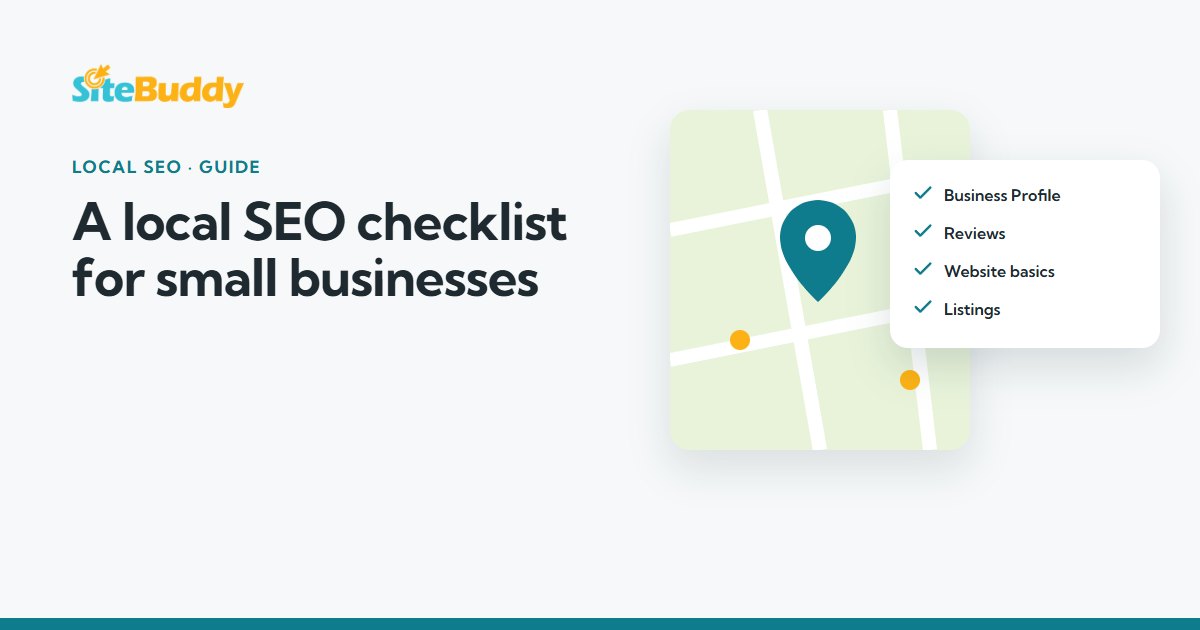
Local SEO is everything that helps your business appear when people nearby search for what you do, such as “electrician near me” or “café in Newtown”. It’s more than adding keywords: it combines your Google Business Profile, your reviews, your website and how consistently your business details appear across the web.
Unlike paid ads, which stop when your budget does, good local SEO keeps working long after the work is done.
1. Google Business Profile
- Claim and verify your profile
- Choose the most accurate primary category, plus a few relevant secondary ones
- Use your real business name, with no extra keywords added
- If you visit customers rather than having a shopfront, hide your address and set your service areas (Google recommends keeping them within about two hours' drive of where you are based)
- Add opening hours, including public holiday hours
- List your services or products
- Upload real photos of your work, team and premises
- Link to your website, ideally the most relevant page
- Post updates occasionally and answer questions customers ask
2. Reviews
- Ask every happy customer for a review
- Make it easy with a direct link or a QR code
- Reply to every review, positive or negative, politely and promptly
Play it straight. Don’t buy reviews, write your own, or offer rewards for reviews. Google’s policies don’t allow incentivised reviews, and under Australian Consumer Law fake reviews or hiding negative ones can be misleading.
3. Your website basics
- A page for each main service, rather than everything on one page
- Clear page titles and meta descriptions that mention what you do and where
- Your business name, phone and email on every page
- Fast loading and easy to use on a phone
- A secure HTTPS address
- Tap-to-call on mobile
- A map and service-area details on your contact page
Your homepage does a lot of the work here. See how to create a homepage that converts for a simple structure.
4. Consistent details and directory listings
Make sure your business name, address (if you show one) and phone number are written the same way everywhere. Then list your business on the directories that matter most:
- Apple Business Connect, for Apple Maps
- Bing Places for Business
- Well-known Australian directories such as Yellow Pages and True Local
- Your industry association or the directories your customers actually use
5. Helpful local content
Write pages or articles that answer the questions your customers ask, and show real local work, such as a recent project in a suburb you serve. Avoid creating dozens of near-identical suburb pages: Google treats thin “doorway” pages as spam.
6. Measure what matters
- Set up Google Search Console to see the searches you appear for
- Check your Business Profile performance for calls, directions and website clicks
- Track enquiries: ask new customers how they found you
How long does local SEO take?
Most businesses start to see better visibility within two to three months, with stronger results after four to six months. It depends on your industry, your competition and how consistently the work is done. Anyone promising the top spot overnight is worth avoiding.
What to avoid
- Adding keywords to your business name on Google
- Using a fake address or virtual office to appear in another area
- Buying links or reviews
- Creating duplicate Business Profiles
- Publishing lots of thin, copy-and-paste suburb pages
Related service · SEO Services
Rather have it done for you?
From Google Business Profile setup to monthly local SEO, at fixed prices with plain-English reporting.
Keep reading
More guides for small businesses
Websites
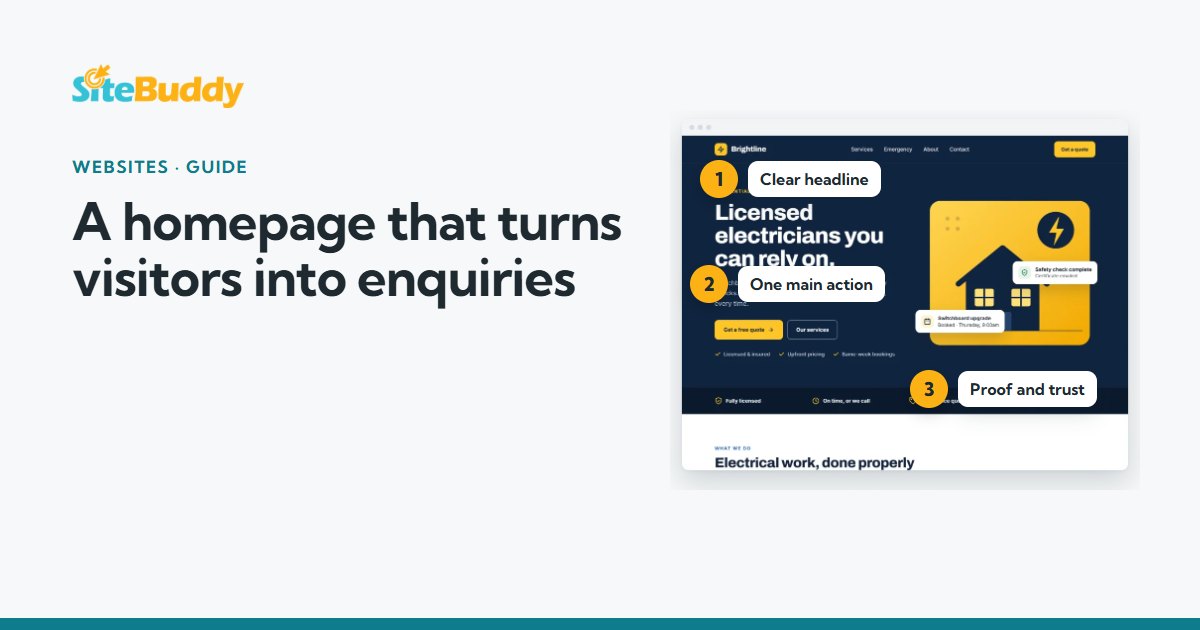
A section-by-section guide to a small business homepage that answers the big questions fast and makes the next step obvious.
Hosting and care
A provider-neutral guide to what a small business WordPress site needs from hosting, typical costs, and the questions to ask before you buy.